
IN BRIEF
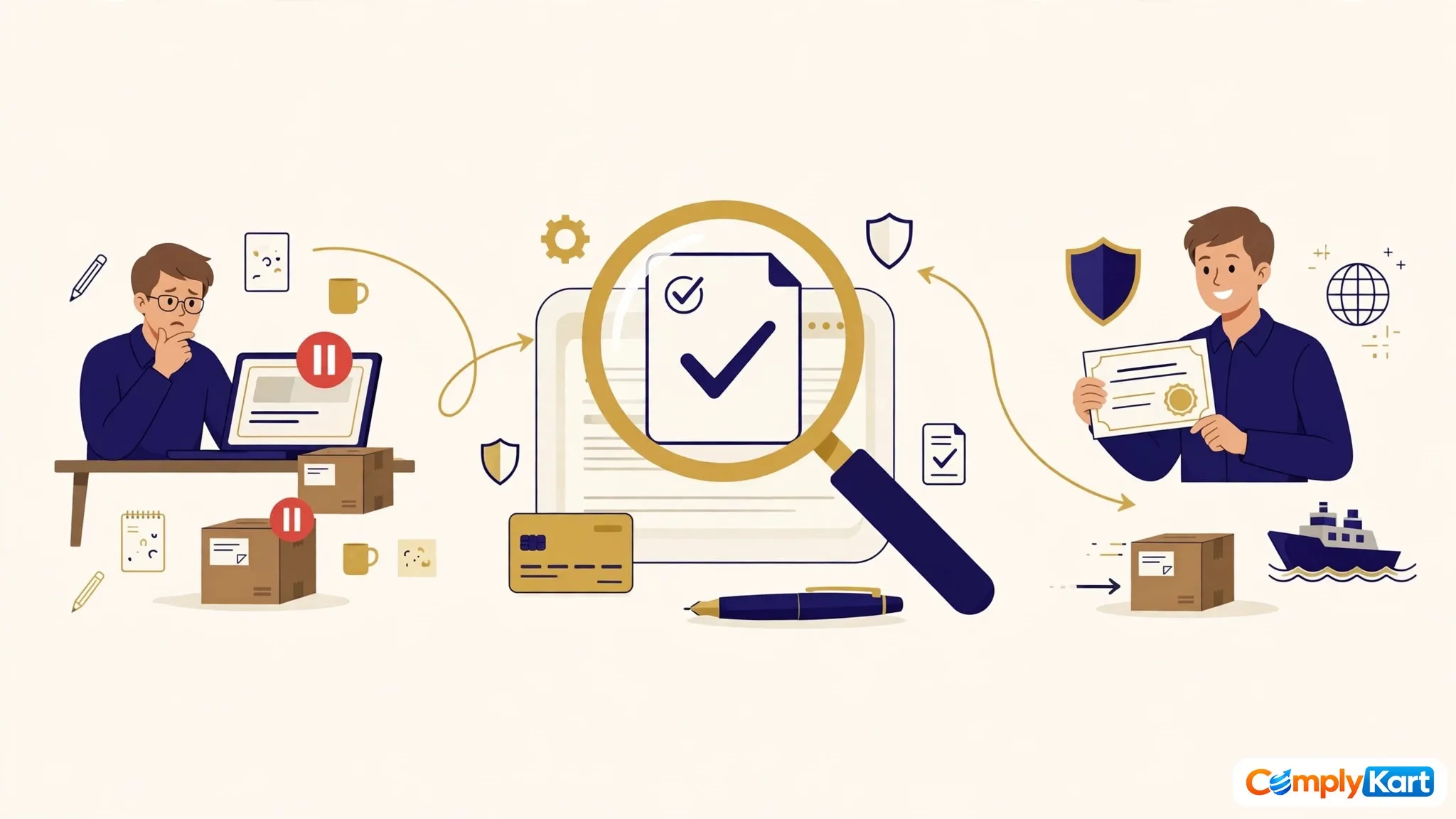
A deactivated Importer Exporter Code (IEC) is an IEC the Directorate General of Foreign Trade (DGFT) has switched off because the holder missed the annual update between 1 April and 30 June under paragraph 2.05 of the Foreign Trade Policy 2023. The code itself is not cancelled — filing the pending update online reactivates it, with a ₹200 fee after the window and no visit to a DGFT office.
Your shipment is packed, the buyer is waiting, and the port says your IEC is deactivated. Or the bank just held an inward payment. Either way, the fix is usually simpler than the panic suggests. A deactivated IEC comes back by filing the pending annual update on the DGFT portal. Log in at dgft.gov.in, open Update/Modify IEC, confirm your details, sign with a DSC or Aadhaar e-Sign, and pay ₹200 on Bharatkosh if the April–June window has passed. DGFT reactivates the code on its own — no form, no office visit.
First, find out why your IEC is inactive
Do not start clicking before you know which problem you have. The fix depends on it, and the wrong fix wastes days. Check the status on the DGFT portal under Services, View IEC Related Details — the "View Any IEC" check works without logging in — and then read the message on your dashboard after you log in. It will say one of two things, and they lead to different work.
Most of the time the message refers to non-compliance with paragraph 2.05(d) of the Foreign Trade Policy 2023 and says the IEC will be auto-activated after a successful update. That means one thing: the annual update was missed. Every IEC holder has to update or confirm their details online between 1 April and 30 June each year, even when nothing has changed. Miss the window and paragraph 2.05(e) switches the code off. Nothing else happened to you. This is the case this guide walks through, step by step.
The other message is a risk flag under paragraph 2.05(f). DGFT's system spotted something — a PAN mismatch, a cancelled GSTIN, a bank account that failed validation — and the holder did not answer it in time. That IEC is also deactivated, but the update alone may not clear it. You answer the flagged issue first, and the Regional Authority may need to act before the code comes back. I cover that at the end, briefly, because it is a different job.
And if the portal says suspended or cancelled, stop. The update form will not restore those. Suspension and cancellation are DGFT's own actions under Section 8 of the Foreign Trade (Development and Regulation) Act, 1992, and each has its own revocation route. I have explained all three states, and what restores each one, in the full IEC surrender, cancellation and deactivation guide — read that first if your status is anything other than deactivated.
What "deactivated" actually means
Think of a prepaid SIM that stops working when you miss the recharge. The number is still yours. Nobody cancelled the connection. You top it up and the same number lights up again. A deactivated IEC works the same way. The code has permanent validity under paragraph 2.10 of the Handbook of Procedures — it does not expire — and deactivation only pauses its use until you update it. Your IEC number does not change, and you do not apply for a new one. One PAN holds one IEC, so a fresh application on the same PAN is not even possible.
While it is off, though, the pause is real. Customs will not clear goods against a deactivated IEC, and a shipment can sit at the port picking up demurrage. Banks may refuse import payments or hold export receipts linked to the code. Export benefits such as RoDTEP, duty drawback, Advance Authorisation and EPCG cannot be claimed. Export promotion councils may not renew the RCMC. That is why a missed update that costs nothing in April can cost a shipment in November — the fee is small, the disruption is not.
One more thing worth knowing before you file: deactivation is "without prejudice to any other action" under the Foreign Trade Policy. Reactivating fixes the status. It does not close any other proceedings DGFT may have open against the IEC. If there is a notice sitting unread in your dashboard, read it. The update will not make it go away.
How to reactivate your IEC on the DGFT portal — step by step
The whole job is online and takes under an hour when nothing has changed. Here it is, in the order the portal expects.
- Log in at dgft.gov.in with the login linked to your IEC. Your registered email is the username. If the IEC is not linked to your login yet, use Link IEC on the dashboard first — enter the IEC number and sign. If you no longer have access to the registered email or mobile, the DGFT IEC FAQ says you can register again and link the IEC with a DSC. Sort the login out before anything else; the update cannot be filed from an unlinked account.
- Keep the documents ready before you open the form. PAN of the business and of the proprietor, partners or directors. Address proof for the business premises — a utility bill, rent agreement or sale deed. A cancelled cheque or bank certificate for the current account linked to the IEC. Your GSTIN and its current status, if registered. And the mobile number and email linked to the DGFT account, because the OTPs go there.
- Open the update. Click "Update/Modify IEC" on the dashboard, or go to Services, then IEC Profile Management, then Update/Modify IEC. This is the same application whether you are doing the routine annual confirmation or reactivating a deactivated code. There is no separate reactivation form, and Trade Notice 18/2021-22 says so plainly: update the IEC online, and on successful updation it is activated again and transmitted to Customs with the updated status.
- Check every section, even the ones you are sure about. Go through firm details, address, partners or directors, branches and bank accounts. Correct anything that has changed. If nothing has changed, confirm the details as they are — the confirmation itself is the update. This is the step people rush, and it is the step that causes the second failure. A changed address you did not bother to update is a mismatch waiting to be flagged.
- Get the bank details exactly right. The account holder name must match the firm name, letter for letter. The ANF-2A declaration asks you to add all bank accounts linked to the PAN, not just the one you use most. And since February 2026 DGFT checks each bank account in real time through NPCI, under Trade Notice 23/2025-26. A failed check stops you right there. A pending check lets you submit, but the application sits "Under Automatic Review" until the result comes in — which is near real time for most banks, though the DGFT help file says some banks take up to two weeks. If your application lands in that status, it is the bank check you are waiting on, not a person at DGFT.
- Sign it with the right method. The update is signed with a DSC or Aadhaar e-Sign. Aadhaar e-Sign is available only to the proprietor or a member of the firm — a director, partner or Karta. For a company, LLP, partnership, trust or society, the DSC must be an organisation DSC that carries the firm's name as per PAN. A proprietorship or HUF can use an individual DSC. Using the wrong kind of DSC is one of the commonest reasons the submission fails at the last screen.
- Pay ₹200 on Bharatkosh if the window has passed. Inside 1 April to 30 June the update costs nothing. After 30 June the same update costs ₹200, paid through the Bharatkosh payment gateway inside the portal flow. Check the amount shown before you pay — that is the fee schedule speaking, not a penalty notice.
- Submit, then read the status. A routine update is usually auto-approved. Check the status again on the portal, and download the updated e-IEC certificate. Do not assume it worked. Verify it worked.
What does IEC reactivation cost?
Short version: nothing, if you are inside the window; ₹200 if you are not. There is no separate "reactivation fee" and no penalty for the missed update itself. The ₹200 is the filing fee for an update made after the window. Some guides say the annual update is free, full stop — that is only true between 1 April and 30 June, and it is the single most repeated mistake in IEC writing online. The fee schedule, Appendix 2K of the Foreign Trade Policy, is the authority here.
| Action on DGFT | When | Government fee |
|---|---|---|
| Annual update or confirmation | 1 April to 30 June | Nil |
| Annual update after the window (the reactivation filing) | After 30 June | ₹200 |
| New IEC | Any time | ₹500 |
| Modification of IEC details | Any time a detail changes | ₹200 |
One caution on that table: a modification filed in the same sitting as a late annual update is still a modification. If your address changed and you are filing late, expect the modification fee on top of the late-update fee. The portal shows the total before you pay, so there should be no surprise — but read the total rather than assuming it is ₹200.
How long does IEC reactivation take?
DGFT sets no fixed time, and any guide that promises one is guessing. Three things decide how long it takes, and only one of them is in your hands.
First, the bank check. For most banks the NPCI validation is near real time and the update goes through the same sitting. For some banks it takes longer — the DGFT help file allows up to two weeks — and the application waits in "Under Automatic Review" until the result arrives. There is nothing to chase while it sits there. If it is still sitting after a few working days, check that the bank account details you entered match the bank's own records exactly; a small mismatch in the account holder name is the usual cause of a slow check.
Second, the Customs sync. Once DGFT reactivates the IEC, the status has to reach ICEGATE before a shipment clears. Allow a day or two — the practical guidance from the trade is 24 to 48 hours. Do not book the sailing for the morning after the portal flips active. Check the IEC status on ICEGATE as well as on DGFT, and ship only when both show it active. The portal flipping first and the port clearing second is normal, not a fault.
Third, your own speed. The filing itself takes under an hour when the documents are ready. The delays in real life are a missing DSC, a director who is travelling, or a bank certificate that has to be fetched. Get those three lined up before you sit down to file.
A worked timeline: the shipment that cannot wait
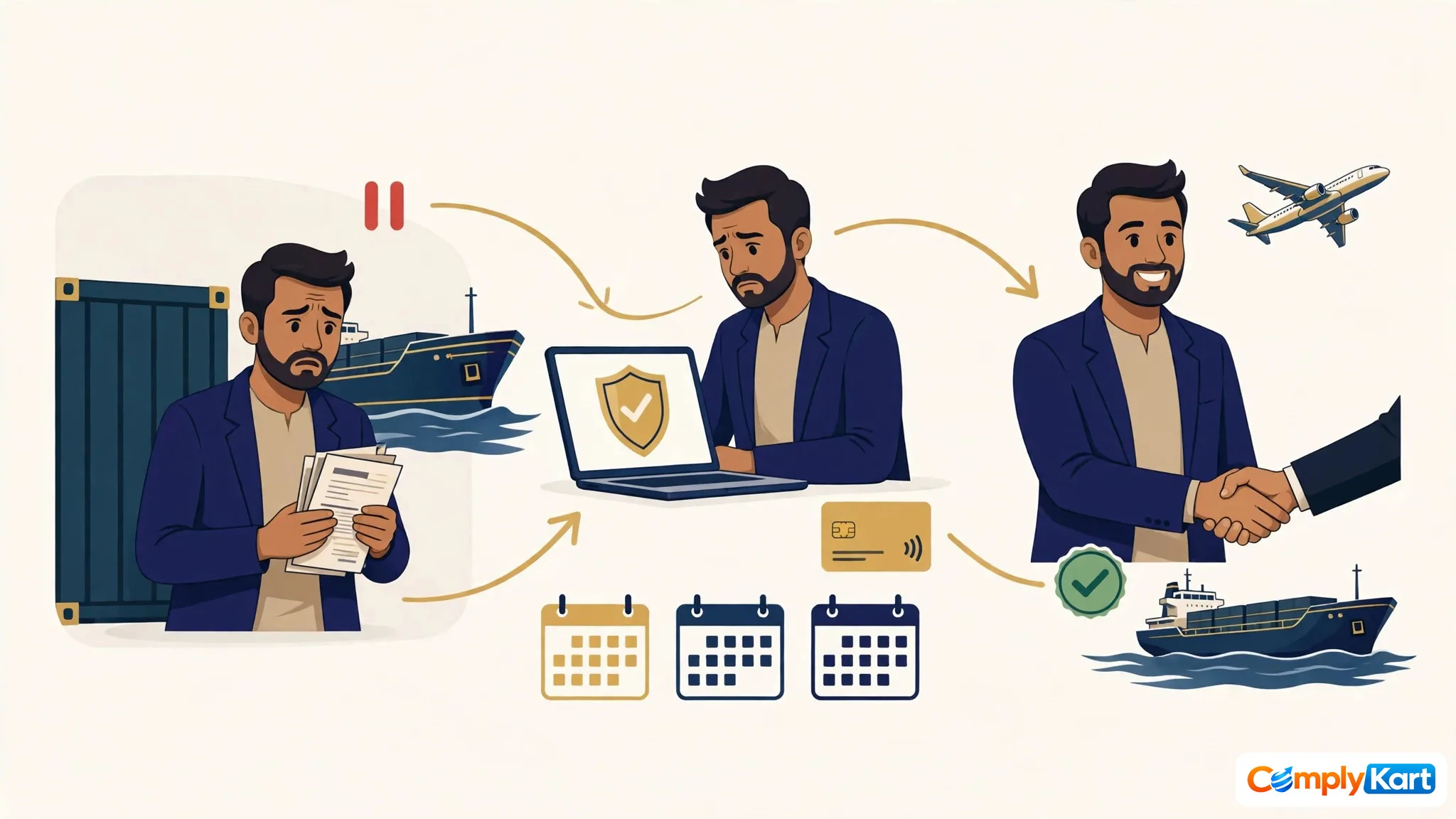
Take an illustrative case — a Surat textile exporter with a container sailing on Friday and an IEC that went deactivated after the June window was missed. The buyer will not wait past the weekend. Here is how the week actually plays out.
Monday morning, the exporter files the pending update: ₹200 on Bharatkosh, signed with the organisation DSC, bank details checked against the cancelled cheque. The NPCI check clears the same day and the portal shows the IEC active by Monday evening. Tuesday and Wednesday are the ICEGATE wait — nothing to do but check the status on both systems. By Wednesday evening ICEGATE shows the code active. The shipping bill is filed Thursday, the container sails Friday, and the buyer never knows there was a problem. Total DGFT spend: ₹200. Total delay: three working days, all of them spent waiting on systems, not on people.
Now the same week with the bank check pending: if the NPCI result had taken the full two weeks the help file allows, no amount of urgency would have moved the sailing. The lesson is not about speed. It is about not letting the update slide in the first place — April to June is free, and it takes less than an hour. The exporters who get hurt by deactivation are not the ones who file late. They are the ones who discover the problem at the port.
If the update does not fix it
Sometimes you file the update, sign it, pay the ₹200 — and the IEC stays inactive. That means the cause was never the missed update alone. Go back to the dashboard message and read it properly this time.
If it is a risk flag under paragraph 2.05(f), the flag has to be answered: correct the detail the system flagged, upload the document it asked for, and give the clarification through the proper channel. The Regional Authority may need to verify the documents before the code comes back. That verification has no fixed timeline, so answer the flag the day you see it, not the day the shipment is due.
If the status is suspended or cancelled, the update form cannot help you at all. A suspended IEC needs a Request Revoke Suspension, and a cancelled one needs a Request Revoke Cancellation — the Regional Authority initiates and DGFT Headquarters approves. If the IEC is on the Denied Entity List, the pending export obligation or unpaid due has to be settled first, then removal is sought from the jurisdictional Regional Authority. All of those routes, and how to tell which one you are on, are in the comparison guide. Do not keep re-filing the update hoping a different status comes out. It will not.
6 mistakes that keep an IEC deactivated
- Filing the update but never signing it. An unsigned application is a draft. It does nothing. Sign before you close the tab.
- A bank account name that does not match the firm name. "M/s Sharma Exports" on the IEC and "Sharma Exports" on the bank account is a mismatch to a machine. Match it letter for letter.
- Updating one bank account and forgetting the others. The ANF-2A declaration covers all accounts linked to the PAN. An unlisted account is a discrepancy waiting to surface.
- Signing with a personal DSC for a company or LLP. Those need an organisation DSC carrying the firm's name as per PAN. The portal will not accept the shortcut.
- Shipping the day the portal flips active. ICEGATE needs a day or two to sync. A shipping bill filed before the sync fails, and the container waits.
- Treating the ₹200 as a penalty and waiting for a notice. There is no notice coming. The ₹200 is just the late filing fee. File now; the fee does not grow while you wait, but the disruption does.
Should you do this yourself, or get help?
A missed-update reactivation is a thirty-to-sixty-minute online job, and most exporters should do it themselves. The steps above are the whole job. Where help earns its fee is everything around the routine case: a risk flag you cannot read, a bank check that keeps failing, a suspended IEC, or a shipment already at the port with demurrage running. In those cases the value is not in filling the form — it is in knowing which route you are actually on, because filing the wrong request costs more time than the fee ever will.
Whether you do it yourself or hand it over, put a recurring reminder in the calendar for the first week of April. The annual update is free inside the window, and the cheapest reactivation is the one you never need. ComplyKart's IEC team files the update and the reactivation for exporters who would rather not spend a morning on the portal — and if your exports also need a LUT for the year, that is worth filing in the same sitting, since a lapsed LUT blocks zero-rated exports the same way a dead IEC blocks the shipment. The compliance fee calculator will give you the government fees for the filings you have coming up, so nothing else in the year catches you by surprise.
If you are selling through marketplaces rather than shipping direct, the same dead IEC hits differently — the IEC guide for Amazon and Etsy exporters explains what each platform asks for and when. And if your first IEC application was rejected before any of this began, the PAN name mismatch guide covers the commonest reason and the fix.
FAQs
Can I reactivate my IEC without visiting a DGFT office?
Yes. Trade Notice 18/2021-22 says a deactivated IEC is reactivated automatically on a successful online update, without any manual intervention or a physical visit to the Regional Authority. The whole job is on dgft.gov.in.
Is there a penalty for missing the IEC annual update?
There is no separate penalty. The update after 30 June costs ₹200 under row 7(B) of Appendix 2K — that is the filing fee for a late update, not a fine. Inside the 1 April to 30 June window it costs nothing.
My application shows "Under Automatic Review" — what does that mean?
It means the NPCI bank-account check is still pending. Most banks clear near real time, but the DGFT help file says some take up to two weeks. Check that the account holder name matches the firm name exactly, then wait — there is no officer to call while the check runs.
Can I just apply for a fresh IEC on the same PAN instead?
No. One PAN holds one IEC. A fresh application on the same PAN is not possible — the existing code has to be fixed, by update, by revocation request, or by removal from the Denied Entity List, depending on its status.
How do I know the IEC is really active again?
Check the status on the DGFT portal and on ICEGATE, and download the updated e-IEC certificate. Both systems have to show it active before you ship or ask the bank to release a payment. Give ICEGATE a day or two after the DGFT status flips.


Comments
No comments yet — ask the first question below.
Join the discussion
Questions go straight to our expert desk. Comments appear after a quick review — no spam, no noise.