
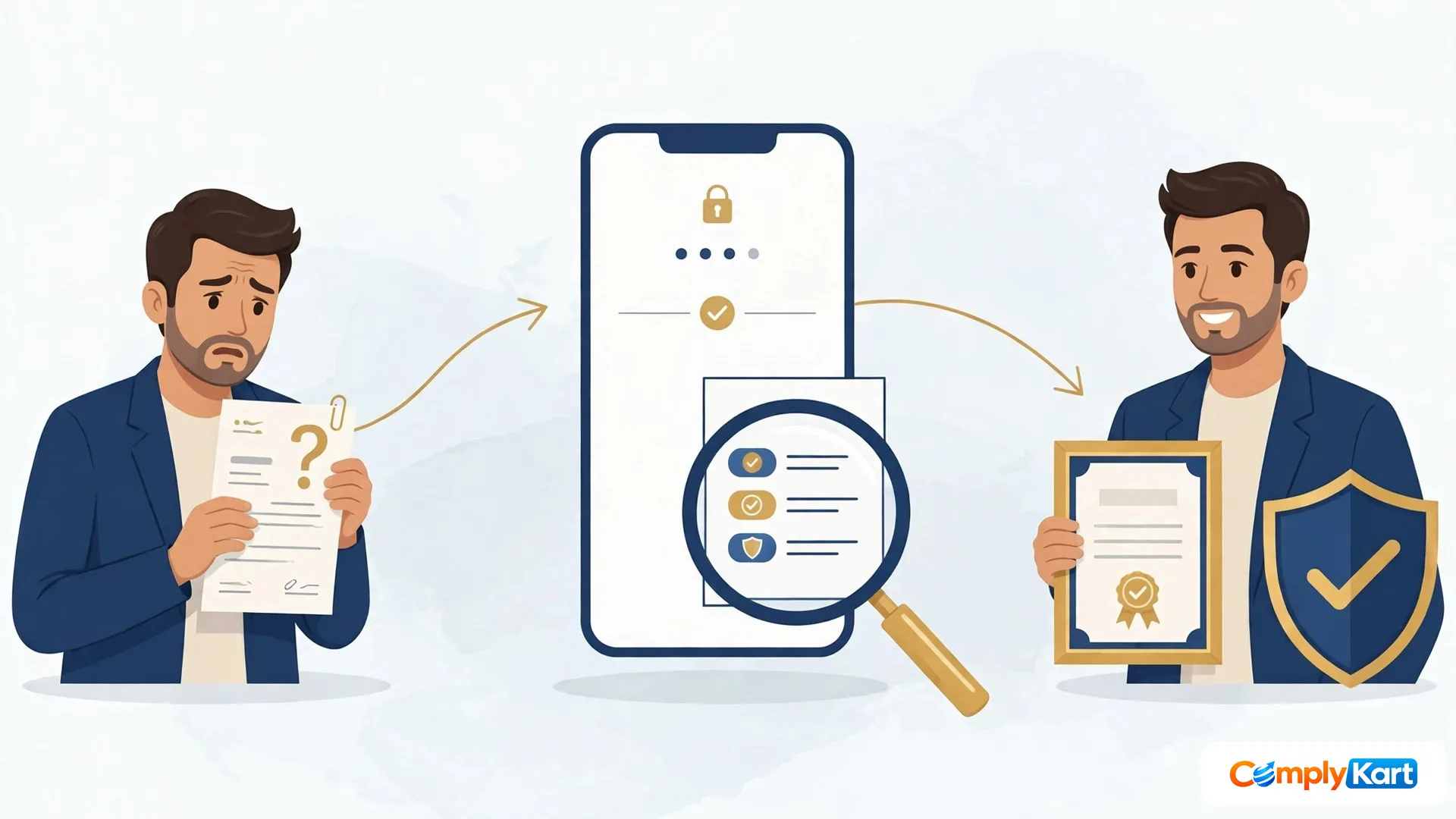
IN BRIEF
Trademark application status is the current stage of a trademark application filed under the Trade Marks Act, 1999, as shown on IP India's e-status service. It tells the applicant — and anyone checking the mark — whether the application is under examination, objected to, advertised, opposed or registered, and what action, if any, is due next.
You filed your trademark months ago. Since then, silence. No letter, no email, no update. That silence is normal — but it is not a reason to stop watching. A trademark application moves through stages, and two of those stages carry short deadlines. Miss one, and you can lose the filing date you paid for.
The short answer: You check your trademark application status free on IP India's e-status service at tmrsearch.ipindia.gov.in/estatus, reached from ipindia.gov.in under Trade Marks, Track proceedings. Enter your email ID or mobile number, verify the OTP, then search by application number — or find the record by brand or proprietor name if you have lost the number.
How do I check my trademark application status?
Start at the official site, not a search result. Go to ipindia.gov.in, open Trade Marks, then Track proceedings, then Track Application Status. That link takes you to the current e-status service at tmrsearch.ipindia.gov.in/estatus. I checked this route on 2 November 2026, and it is the route the IP India site itself points to.
The landing page asks for one thing first: your email ID or mobile number, in a single field. Tap Send OTP, and the code goes to that address or number. The OTP stays valid for 10 minutes. There is no username and password to remember, and the landing page showed no captcha when I looked. The OTP only opens a search session. It does not prove you own the trademark, and anyone with an email address or mobile number can open a session and view a public record.
After verification, search by your application number. That number sits on the acknowledgement you received when Form TM-A was filed — a seven or eight digit number. The record that opens shows the current status, the class, the applicant name, the filing date, the agent on record, and the documents and history behind the application, including the examination report and journal details where they exist. Save a copy of what you see. Screenshots cost nothing and settle arguments later.
One warning before you go further: the whole check is free. If a website asks you to pay just to view a trademark status, leave. You are looking at a lookalike charging for a public record.
What if I have lost my application number?
Do not panic, and do not pay someone to find it. The Registry's own guideline for the e-status service says you can find a record without the number: choose the option to find details without a trademark or application number, then search by the trademark name or the proprietor name. Pick your record from the list and open it by its application number.
The same job can be done before you even reach the status service. IP India's Public Search lets you search by wordmark, phonetic match, Vienna code or proprietor name, and that search is how most people recover a number they misplaced. I covered that search step by step in an earlier guide — check a brand name on IP India's public search before you file — and the same search works to recover a filed application's number. Keep the two tools straight, though. Public Search answers "does a similar mark exist?" Status check answers "where is my application?" They are different questions, and mixing them up wastes an afternoon.
Why do old guides and bookmarks fail now?
IP India revamped its website in 2026, and the status service moved. Older guides describe a captcha step and a National/IRDI number search on the old e-Register. On 2 November 2026, the old address, ipindiaonline.gov.in/eregister, did not show a search form at all — it returned a plain "unauthorised" message and did not redirect anywhere. If your bookmark points there, delete it and use the Track Application Status link on ipindia.gov.in instead. Guides written before the revamp are not wrong about the law, but their screenshots are out of date, and a captcha instruction that no longer appears will only confuse you.
What does each trademark status mean?
Think of a status the way you read a railway station board. It tells you where the train is right now, not whether it will reach its destination. "Objected" does not mean refused. "Advertised" does not mean registered. Each label is a station, and a few of them need you to do something before the train moves again.
| Status you may see | What it means | What you do |
|---|---|---|
| New Application | Your application is filed and waiting for its first check. | Nothing yet. Keep the acknowledgement safe. |
| Formalities Check Pass | The filing papers are in order, and the application moves to examination. | Wait, and check again in a few weeks. |
| Formalities Check Fail | Something in the filing formalities needs correcting. | Correct what the Registry points out, quickly, or examination stalls. |
| Objected | The examiner has raised objections in an examination report. | Reply within 30 days of receiving the report. Miss it and the application can be treated as abandoned. |
| Ready for Show Cause Hearing | The objections were not settled on paper, so a hearing is listed. | Prepare your arguments and attend. This is the stage where a weak reply costs the most. |
| Accepted and Advertised | The mark is published in the Trade Marks Journal. | Watch the four-month opposition window from publication. Anyone may oppose in that period. |
| Opposed | Someone has filed an opposition against your mark. | File a counter-statement within two months of receiving the notice copy, under section 21(2) of the Trade Marks Act, 1999. |
| Registered | The mark is registered, and the certificate follows. | Use the ® symbol now, diary the renewal date, and keep proof of use. |
| Abandoned | A reply or required action was missed. | Ask a professional at once whether anything can still be salvaged. Time matters here. |
| Refused or Withdrawn | The application has ended, by decision or by your own withdrawal. | Decide with advice whether a fresh filing makes sense. |
A note on wording: the labels above are the standard vocabulary the Registry uses, and the exact words on your own record are what count. If a label on your record reads slightly differently from this table, trust the record, and read the documents linked to it before acting.
Which three statuses punish delay?
Most statuses only ask you to wait. Three ask you to move. An Objected status carries a 30-day reply window from the examination report — the single most common way a good application dies is a report sitting unread in an inbox. An Opposed status carries a two-month counter-statement deadline from the notice copy, and an opposition left unanswered does not go away on its own. And an Advertised status starts a four-month clock in which someone else can oppose, so the quiet months after publication are not the time to stop checking. If any of these three appears on your record, that is the moment to get professional help rather than reading one more guide. Our trademark registration service handles objection replies, hearings and opposition responses at exactly these points.
For the Objected stage specifically, the reply itself decides more than most applicants expect. I have written about how to answer one properly — replying to a trademark objection — and the same discipline applies: answer every objection in the report, point by point, with evidence, instead of sending a general letter saying the mark is distinctive.
How often should I check?
Every two to four weeks is enough for most applications, and more often once the status turns Objected, Advertised or Opposed. The Registry does not send an alert for most status changes, so waiting for an email is a plan that fails quietly. A fortnightly check takes two minutes and catches an examination report while its 30 days are still whole. Once your mark is registered, the habit changes rather than ends: note the renewal date and read our guide on renewing a trademark in Form TM-R before the ten-year term runs out, because a registered mark still needs tending.
Five mistakes that cost applicants their filing date
- Paying a lookalike website for a status view that is free on the official portal.
- Using an old bookmark to the pre-2026 e-Register, which now returns an unauthorised message.
- Confusing Public Search (does a similar mark exist?) with status check (where is my application?).
- Leaving an examination report unread until its 30 days have run out.
- Assuming the Registry will email you when something changes, and checking only when a problem surfaces.
None of these needs expertise to avoid. All of them need a calendar reminder and two minutes a fortnight. Your filing date is the one thing a fresh application cannot buy back, so guard it with the same care you gave the brand name itself.
Frequently asked questions
Do I need to log in or pay to check my trademark status?
No. There is no account and no fee for viewing a record. You enter an email ID or mobile number, verify the OTP, and search. Any site charging for the view alone is not the Registry.
How long is the OTP valid?
Ten minutes, as stated on the e-status landing page. If it expires, request a fresh one with the same email ID or mobile number.
I lost my application number. Can I still check the status?
Yes. Use the find-without-number option on the e-status service and search by the trademark name or proprietor name, or recover the number first through IP India's Public Search.
My status says Objected. How long do I have to reply?
Thirty days from receiving the examination report. If you miss that window, the application can be treated as abandoned, so reply inside the period even if the reply needs professional drafting.
How long does registration take?
An uncontested application often takes 12 to 18 months from filing to registration. An objection, a hearing or an opposition stretches that, which is why the waiting stages deserve regular checks rather than silence.





Comments
No comments yet — ask the first question below.
Join the discussion
Questions go straight to our expert desk. Comments appear after a quick review — no spam, no noise.